

I have been building mobile applications for the iPhone and iPad since 2008. I was fortunate enough to lead a team that had an app in the Apple App Store on it's opening day. Heady days...
In the period since then, I have launched (or had a significant hand in launching) over 10 mobile and desktop apps and more than 100 significant version updates. My role in these launches was typically that of the lead designer and interface programmer.
I was lucky enough to lead a team to winning an Apple Design Award along the way.
Here is a sampling of my mobile work.
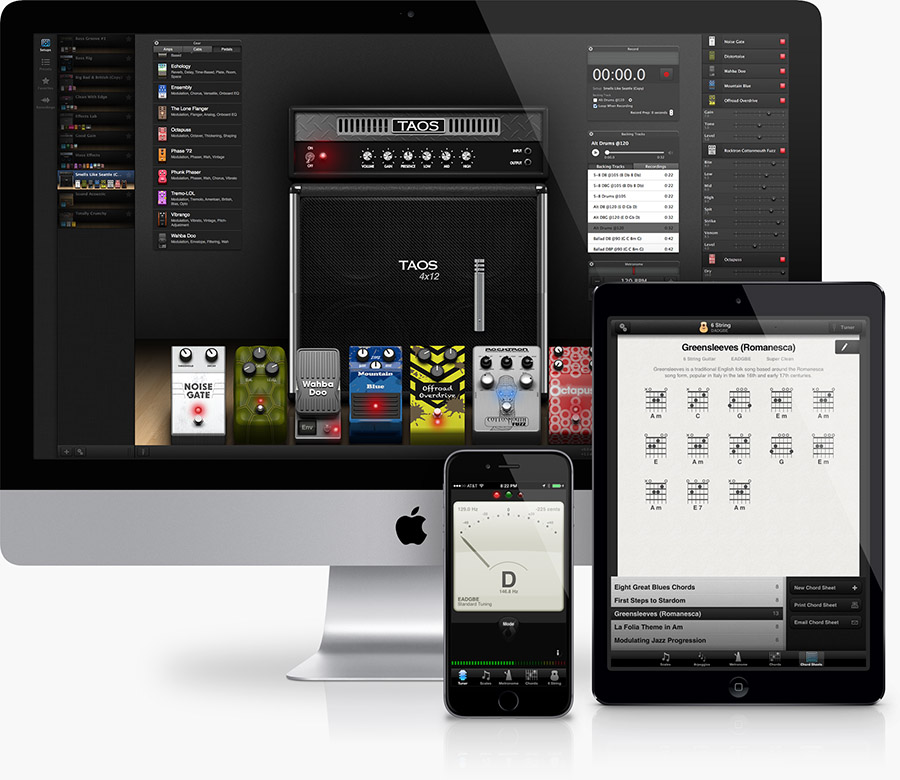


An Apple Design Award winner in 2010, TabToolkit has been praised by musicians everywhere as the best music notation app. A rich experience, coupled with a high-fidelity audio engine, makes it the most versatile tablature solution.
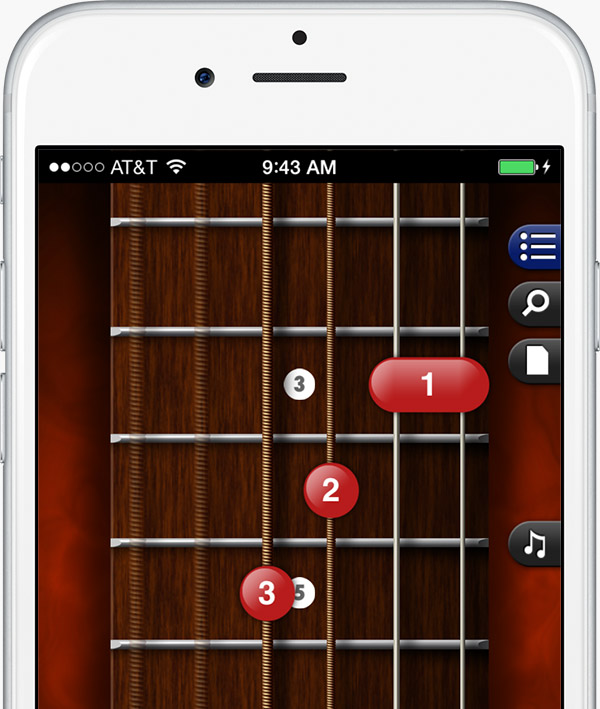

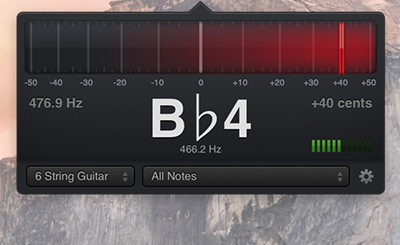
In the original Apple App Store Hall of Fame, GuitarToolkit is the industry standard for musicians on the go. GuitarToolkit has a tuner, chord reference, scales, metronome and support for many instruments.
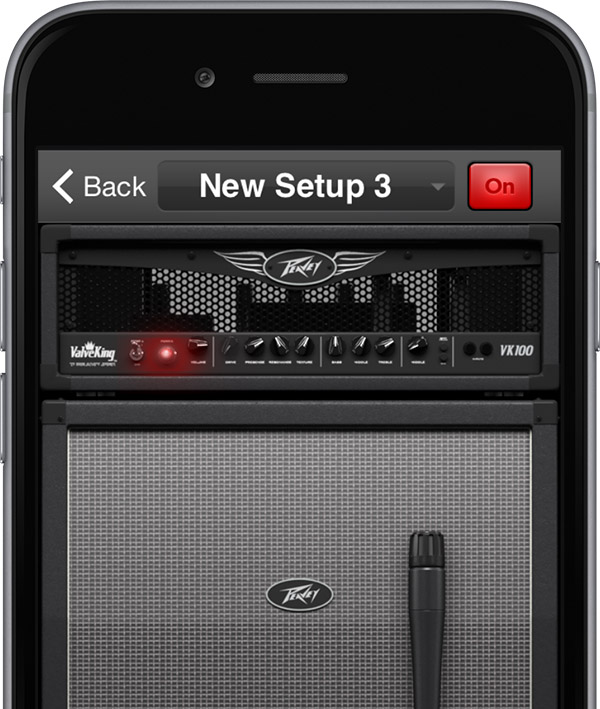

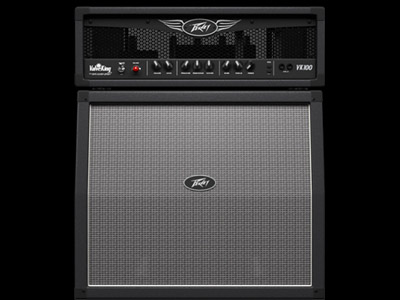
A sophisticated amp simulation engine, AmpKit allows guitarists to plug into their iPhones and lay down tracks. With dozens of guitar components modeled, it's a flexible, portable recording studio.


For more than a century, the Merck Manuals have been a go-to reference for medical professionals and lay persons alike. This handy app is an interactive version of the New York Times bestselling medical reference.
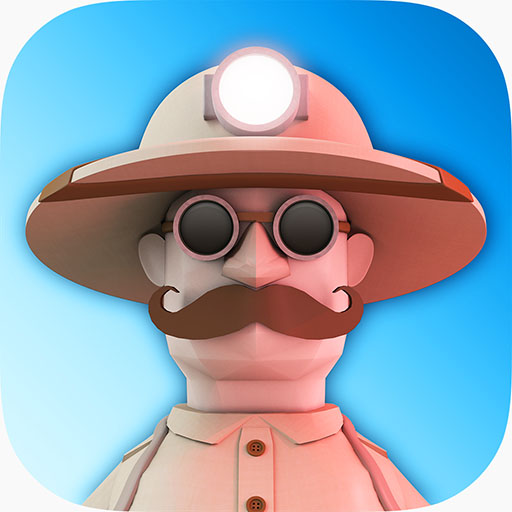
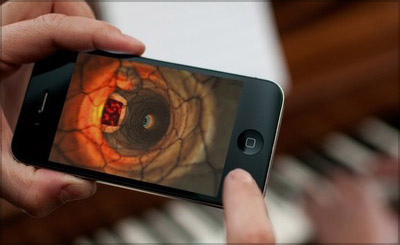
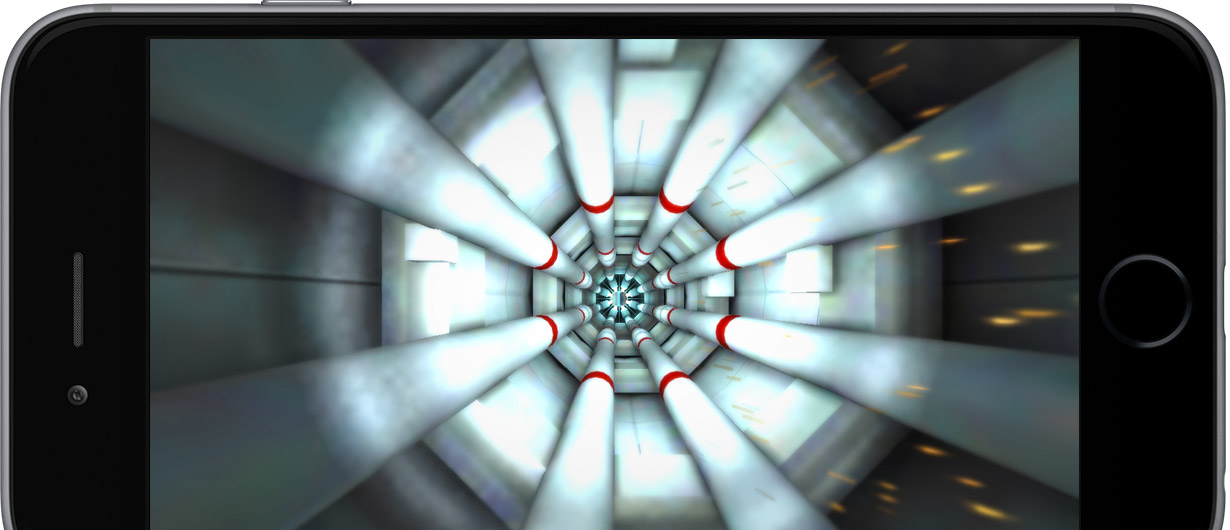
My first game launch, The Tunnel, was a fun and rewarding project. An "endless faller", The Tunnel is a 3D, iOS-exclusive game built and launched in 2014.

With almost 20 years of web development experience, I've been fortunate enough to be exposed to a wealth of technologies and architectures. I've served as a developer (front-end and back-end), designer, architect, analyst and project leader.
I've also had the pleasure of working with a number of great companies and people along the way. From Fortune 50 companies to startups of less than 5 people, each project has presented wonderful opportunities for innovation and execution of user-centered design.
Here are some of the technologies I'm proficient in:







In addition to a deep technical background, I'm also an experienced user interface and user experience designer. I've found that possessing both of these skillsets allows for a rapid and conprehesive software development process. Making things work well and beautifully is my primary aim.








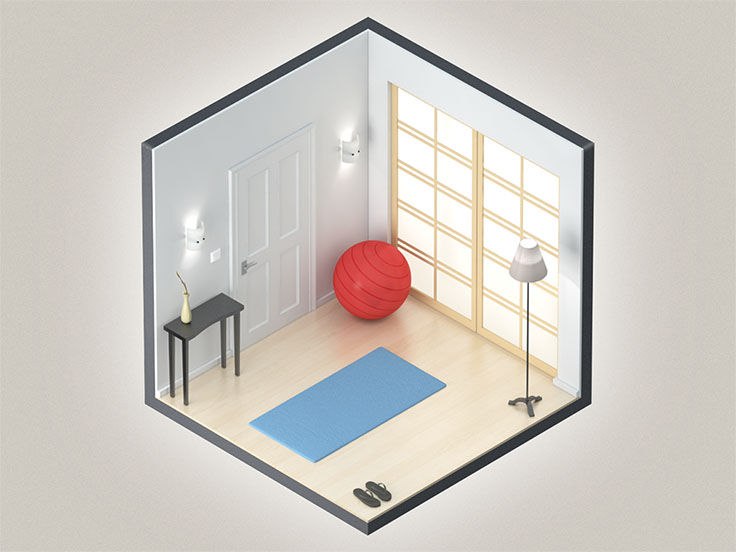
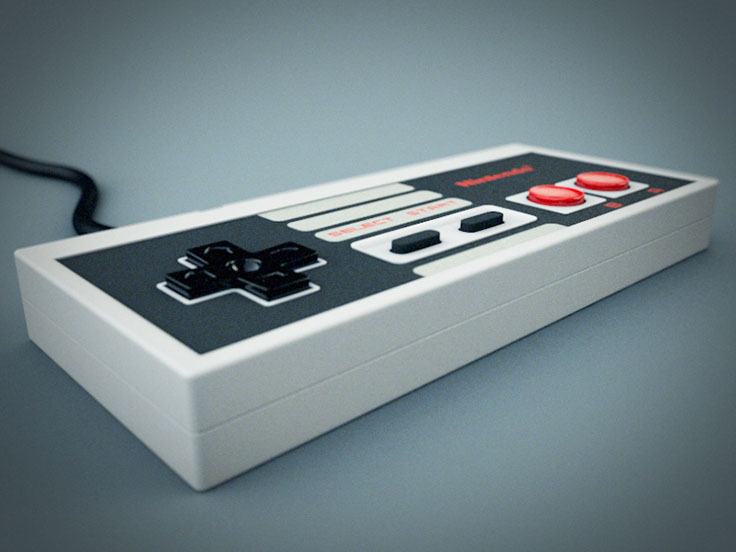
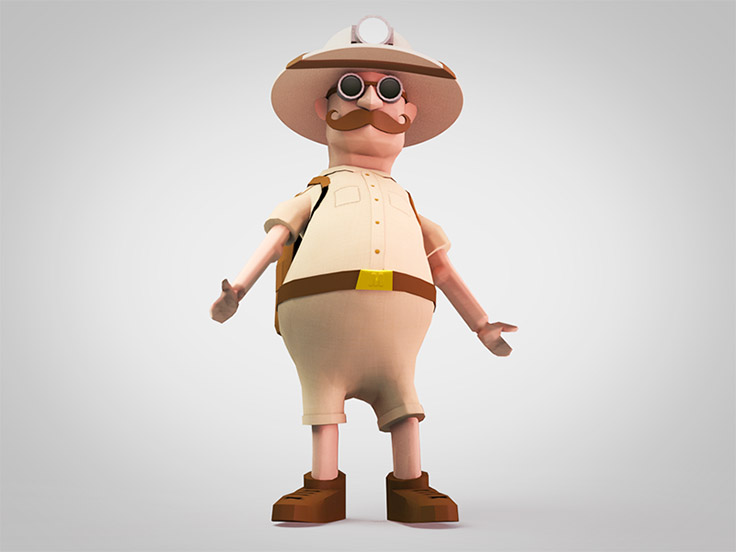
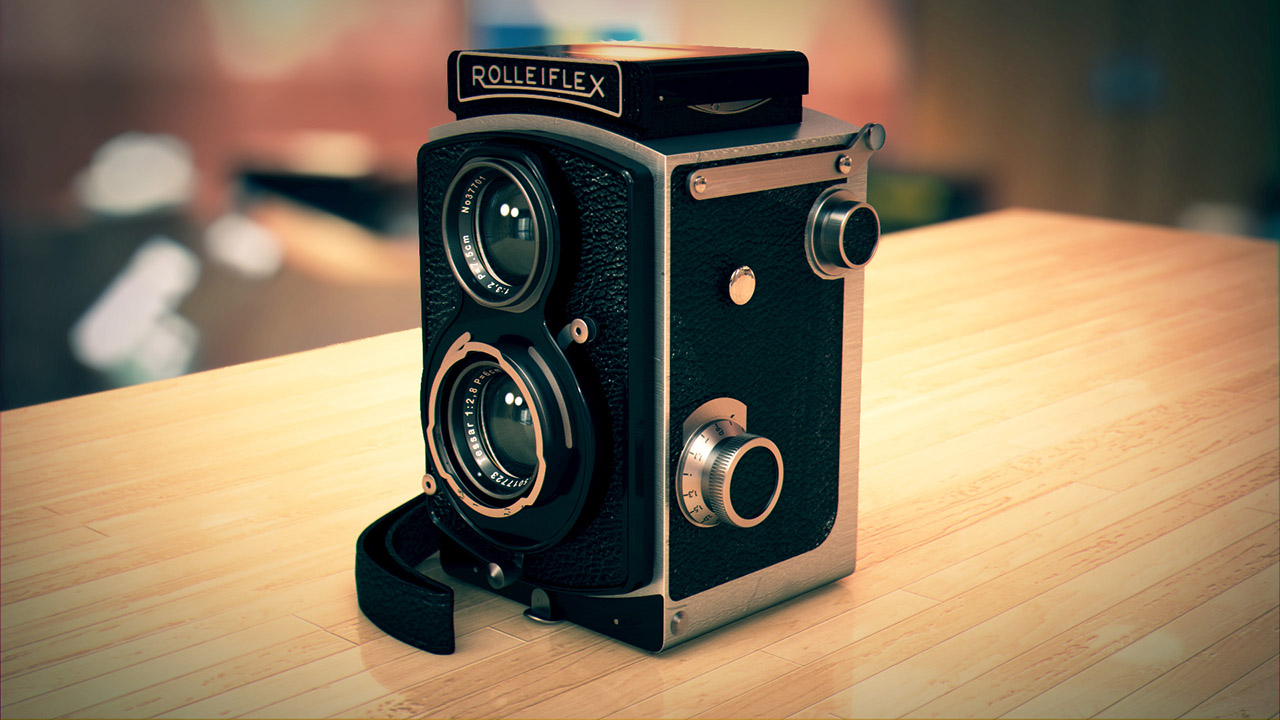
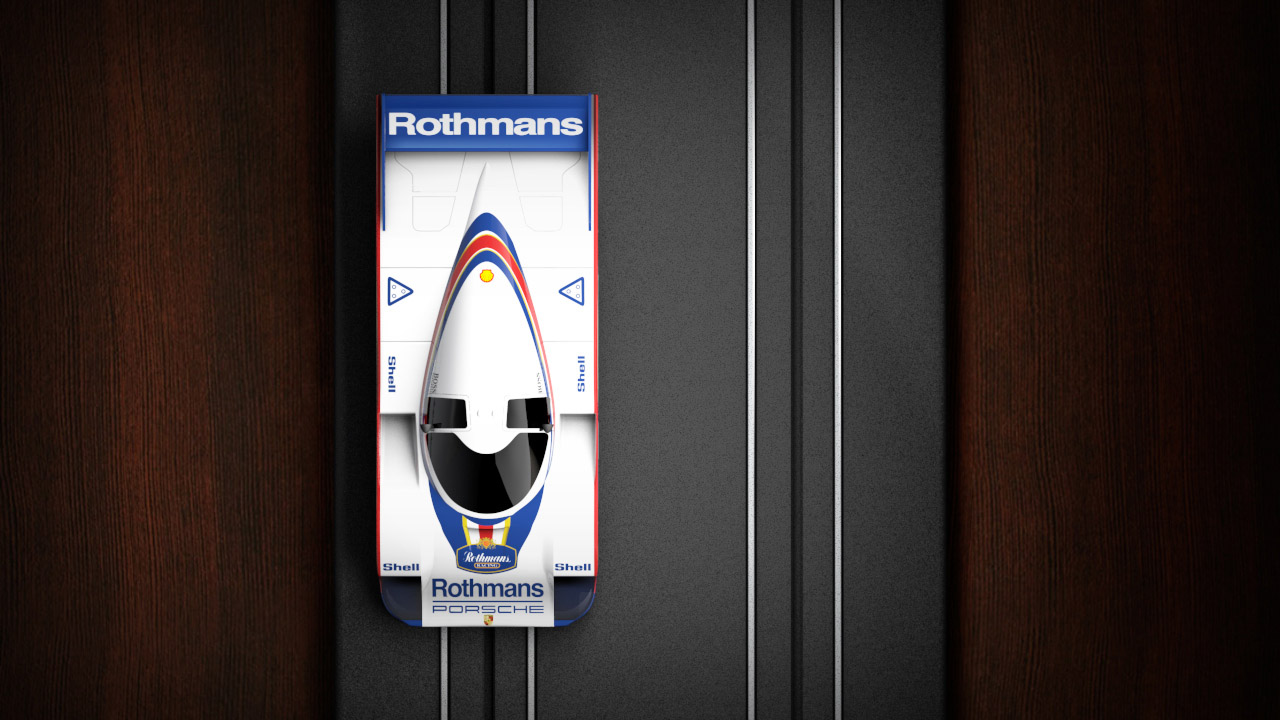
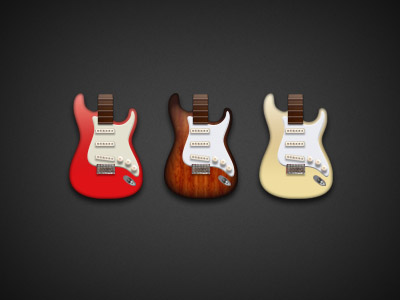
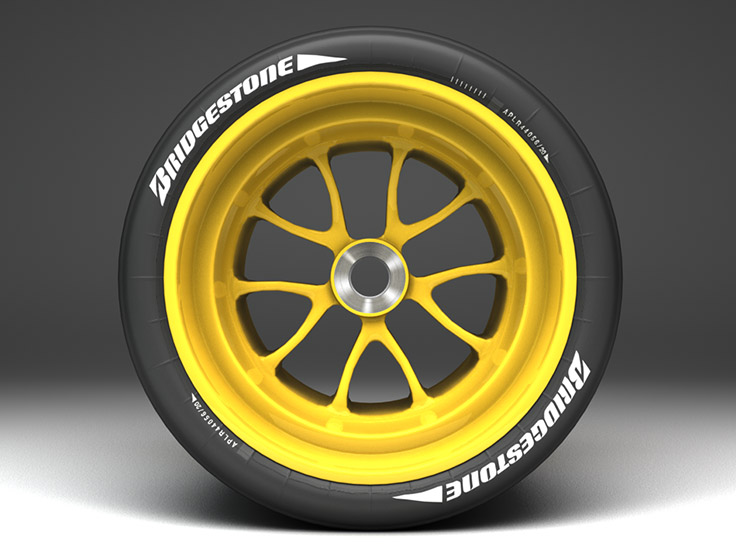
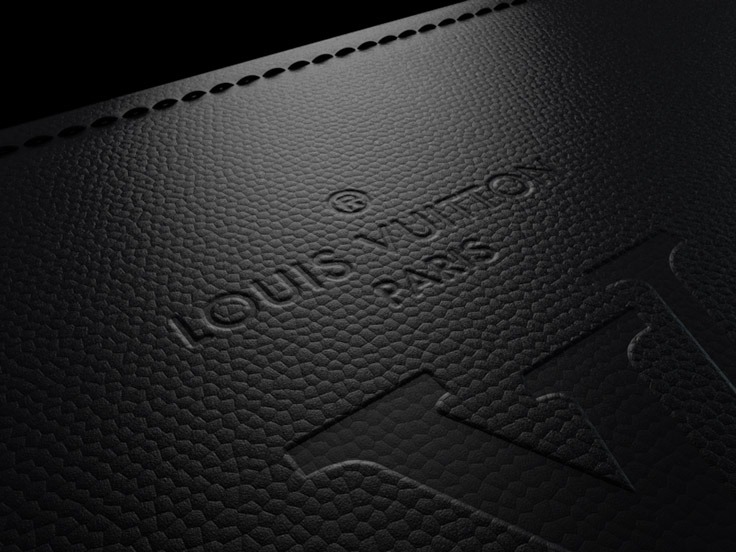
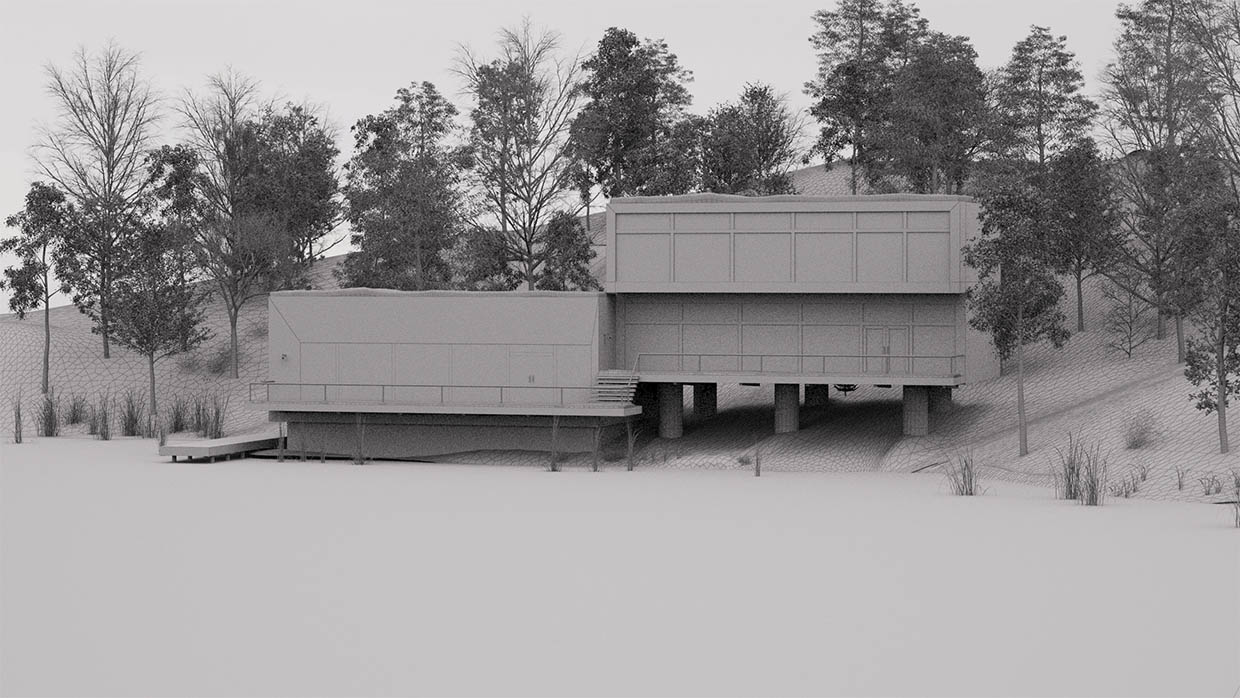
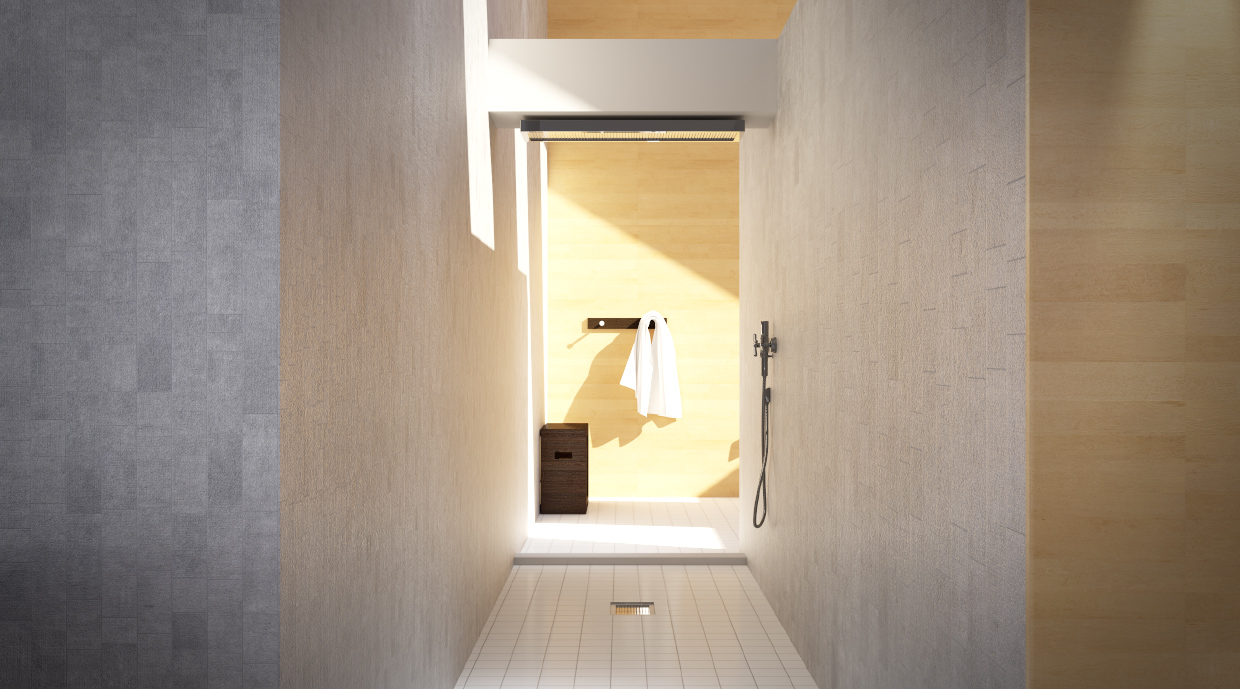
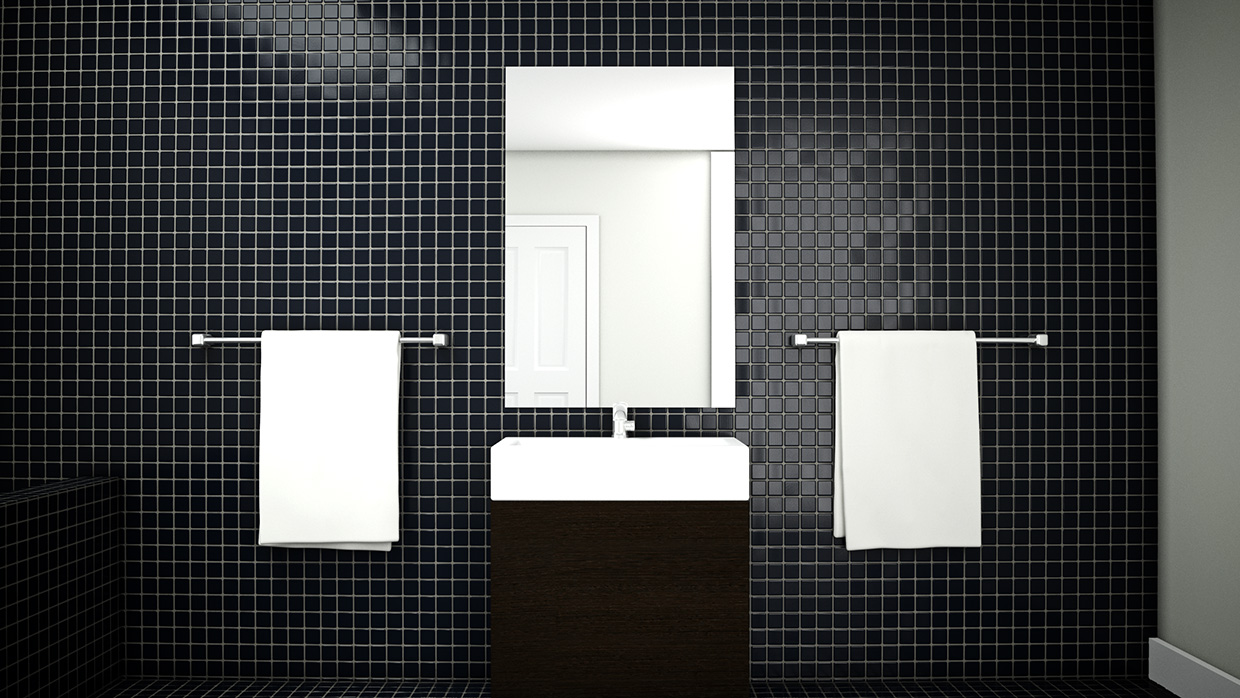
I have over 15 years of experience working with 3D modeling and rendering tools. My 3D activities have typically been in the service of my core competencies (web and mobile development), but occasionally they came to the forefront.
At Agile Partners, we launched several hardware products to augment our software. For these hardware launches (such as the AmpKit LiNK HD), I served as the industrial designer responsible for prototyping and visualizing the final product. This process of industrial design was fascinating, and something I continue to be involved with.